
To add a printer, you need to be connected to the Word of Life staff network.
- If you are connected with ethernet (with a laptop dock, or if you have a desktop), You're good to proceed
- If you are on WiFi, make sure that you are connected to the WOLWireless WiFi network. Printers added this way will not work if you are connected to the WOL network.
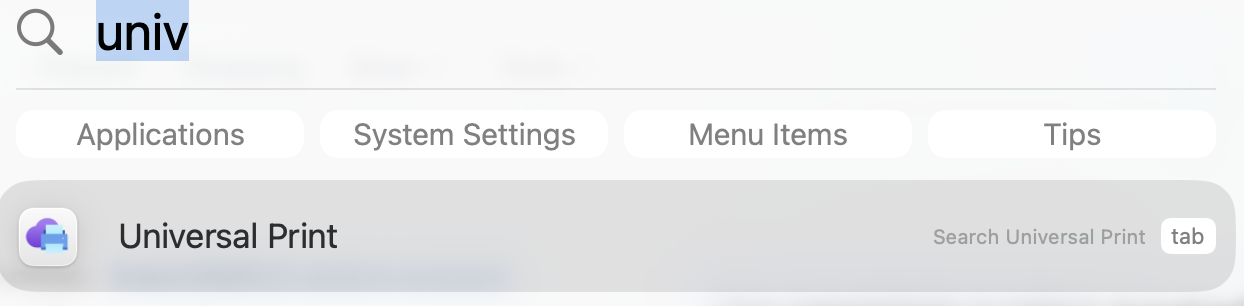
- Open the Universal Print app, which is pre-installed on all WOL Macs
- Click allow on the window that opens

- Scroll to the bottom of the left sidebar in the system settings dialog > Click on Universal Print > Click on Sign in in the top right
- Sign in with your WOL account
- Click on Add printer in the lower right corner of the systems setting page
- Search for the printer by the building/department name > Check the box next to the desired printer in the search results > add printer
Report any issues following this guide to helpdesk